The method hierarchy
NutriKit doesn't use one formula for everyone. It evaluates what data is available and selects the most accurate method it can. The hierarchy, from most to least accurate:
Energy Balance
Weight trends + food intake = real TDEE
Apple Health Energy
Resting + active energy from your device
BMR Formulas
Katch-McArdle, Mifflin-St Jeor, or Schofield
Method 1: Energy Balance
This is the gold standard — and it's what sets NutriKit apart from apps that just plug your height and weight into a formula.
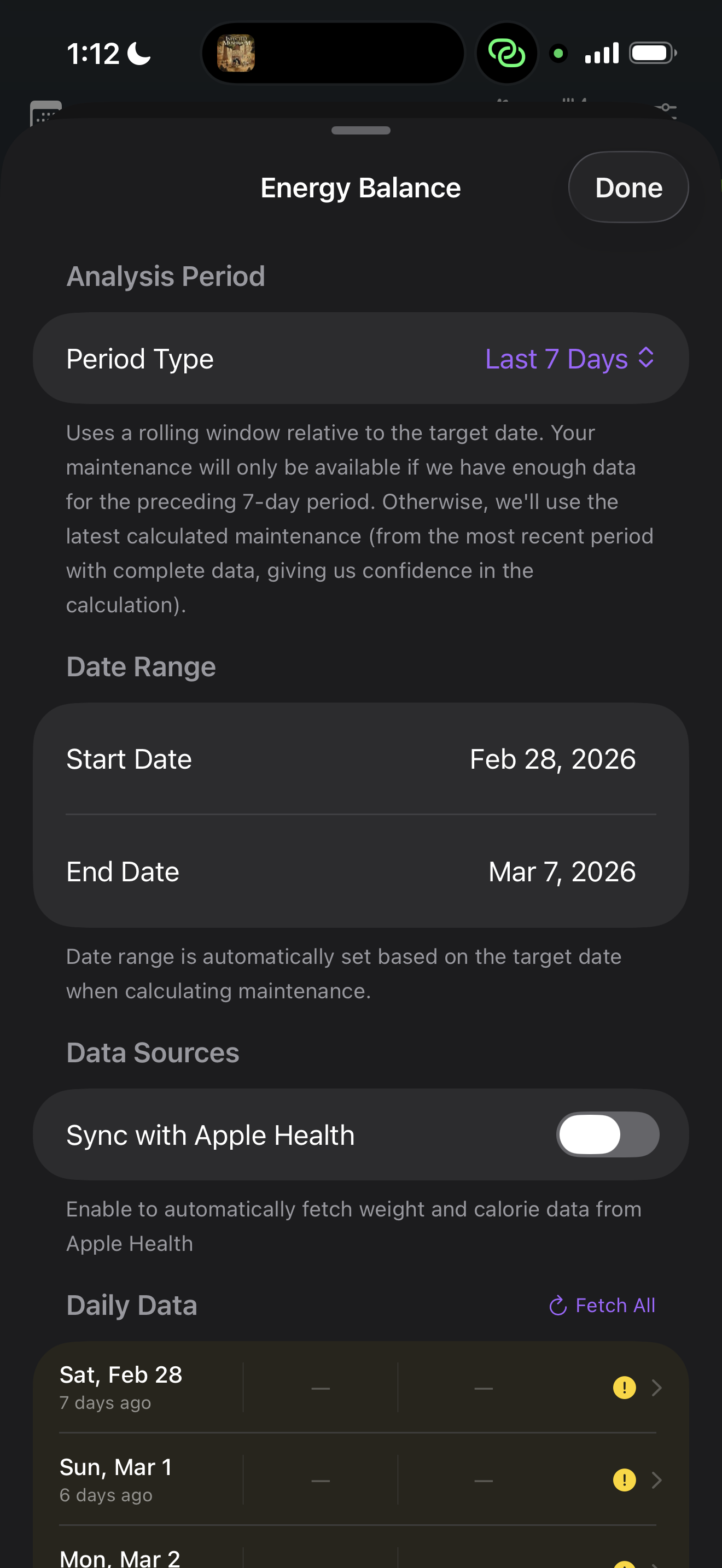
Energy balance works on a simple thermodynamic principle: if you're losing weight, you're eating fewer calories than you burn. If you're gaining weight, you're eating more. By tracking both your food intake and your weight over time, NutriKit can calculate your actual total daily energy expenditure (TDEE) — not an estimate, but what your body is really doing.
The algorithm uses a weighted moving average of your weight to smooth out daily fluctuations from water, sodium, and digestion. It then compares the caloric surplus or deficit implied by your weight trend against your logged intake to derive your expenditure.
This method requires at least 2 weeks of consistent logging and weight data to produce reliable results. Once it kicks in, it's continuously refined as more data comes in — your TDEE estimate gets more accurate over time, not less.
Method 2: Apple Health Energy
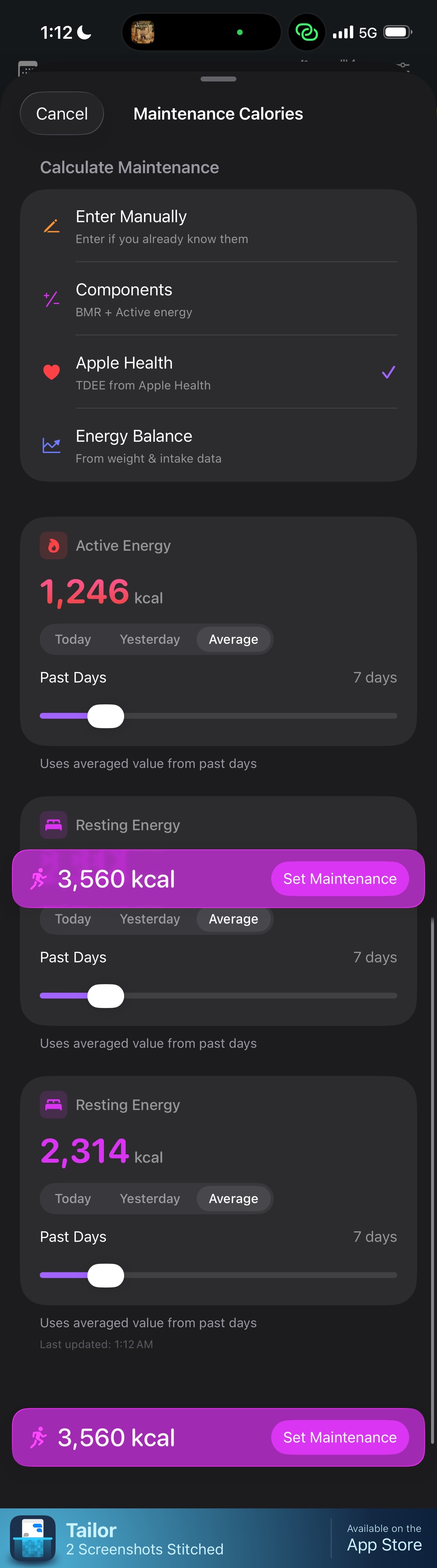
If you don't have enough logging history for energy balance, but you wear an Apple Watch or use a device that writes energy data to Apple Health, NutriKit can use that instead.
It reads two values:
- Resting energy (basal metabolic rate as measured/estimated by your device)
- Active energy (calories burned through movement and exercise)
The sum gives your total expenditure for the day. This is less accurate than the energy balance method — device estimates have known error margins — but it's significantly better than a generic formula, because it accounts for your actual daily activity rather than a self-reported “activity level” dropdown.
NutriKit uses a 7-day rolling average of Apple Health energy data to smooth out day-to-day variation.
Method 3: BMR Formulas
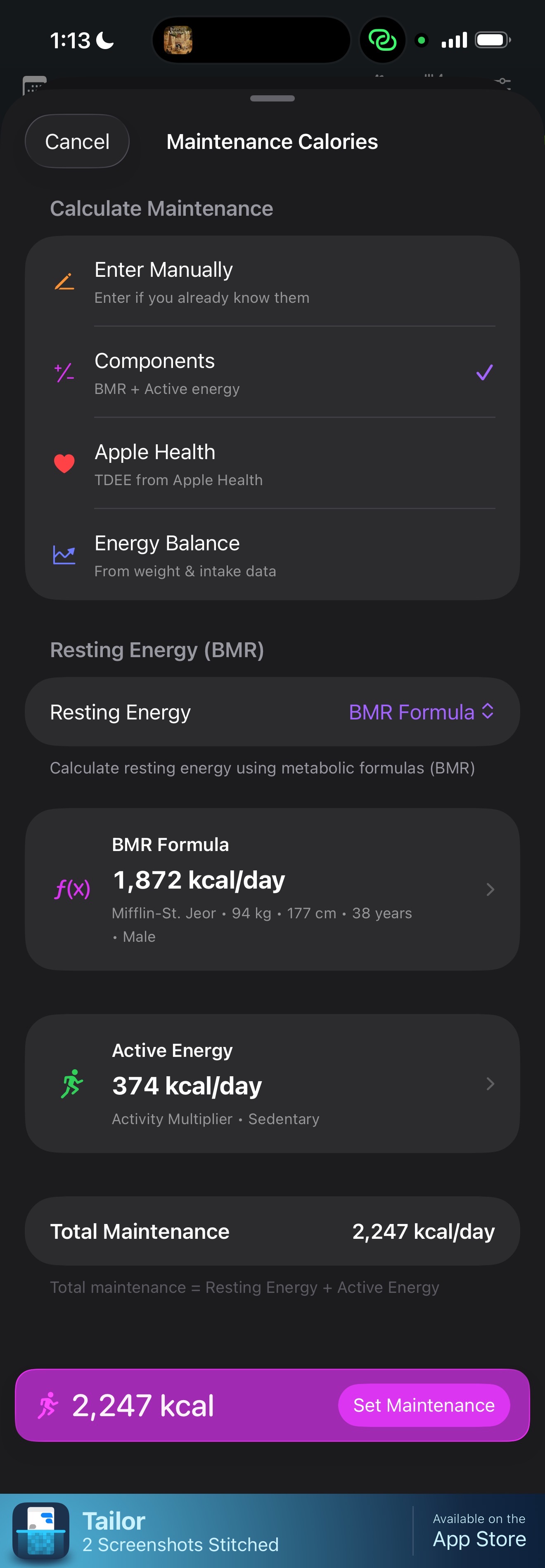
When neither energy balance data nor Apple Health energy is available, NutriKit falls back to validated BMR equations. But it doesn't just use one — it selects the best formula for your profile:
- Katch-McArdle — used when lean body mass is available. This is the most accurate formula for people who know their body composition, because it bases the calculation on metabolically active tissue rather than total weight.
- Mifflin-St Jeor — used when only height, weight, age, and sex are available. Widely validated and considered the most accurate general-purpose BMR equation in the research literature.
- Schofield — used as a fallback for populations where Mifflin-St Jeor may be less validated (e.g., certain age ranges or when height is unavailable).
The BMR is then multiplied by an activity factor you select — from sedentary to very active — to estimate your TDEE. This is the least precise method, but it gives a reasonable starting point until better data accumulates.
Goal adjustment
Once NutriKit has your maintenance calories (from whichever method), it applies your goal:
- Lose weight — a caloric deficit is subtracted from your TDEE
- Maintain — your target equals your TDEE
- Gain weight — a caloric surplus is added to your TDEE
The size of the deficit or surplus is controlled by a slider from mild to aggressive. A mild deficit might be 250 kcal/day (~0.5 lb/week loss), while an aggressive deficit might be 750 kcal/day (~1.5 lb/week loss). The same range applies to surplus for gaining.
Critically, NutriKit won't let you set a target below safe minimums. There's a floor based on your body weight and sex — the app will warn you and cap the deficit if your resulting calorie target would be dangerously low.